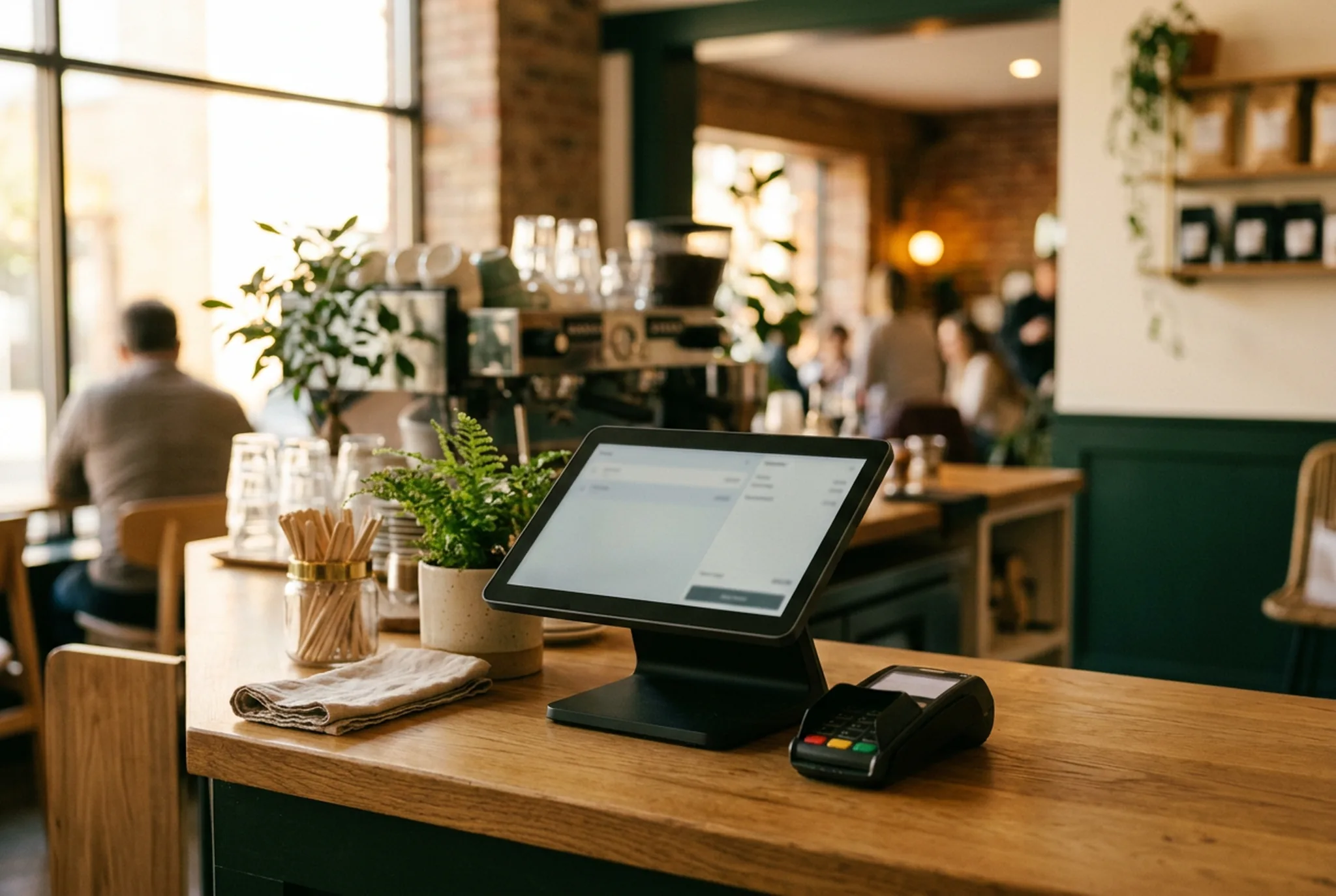
Just a few years ago, paying for your meal meant pulling out cash or inserting your card and typing a PIN. Today the gesture has changed: you tap your card, your phone or your watch, and it's settled in a second. Contactless has become the norm — and it has transformed the restaurant POS.
Contactless, now the default payment method
The Visa and Mastercard networks document massive adoption of contactless payment, especially on the small amounts typical of hospitality: a coffee, a pastry, a quick lunch. For the customer, it has become a reflex. For the merchant, not offering it means creating needless friction.
What it changes for the POS
Contactless has shifted expectations. The POS is no longer just a cash drawer: it's the point where the smoothness of service is decided.
- Speed: less time per transaction, so less waiting at peak hours.
- Less cash: less handling, fewer change errors, a simpler cash-up.
- Multi-method: card, mobile, QR code and wallet have to coexist on the same checkout.
Security: an asset, not a risk
Contrary to a common misconception, contactless is governed by strict banking security standards (caps, tokenisation, authentication). For the restaurateur, it also reduces the risks tied to handling cash.
QR code and wallet: the next step
After the contactless card, the QR code and the customer wallet extend the same logic: pay in one gesture, with no friction. With a wallet, the customer tops up a balance and automatically collects loyalty points at every visit — with no paper card.
That's why a modern POS must be designed as a complete system. The SUPERKAWA OS restaurant POS software brings together multi-payment checkout, QR code, loyalty and the wallet in a single interface.
Frequently asked questions
Is contactless really the majority in restaurants?
Yes. Visa and Mastercard report massive adoption of contactless payment, now the default for small amounts like a coffee or a lunch. In quick-service, it has become the norm.
Do you need to change POS software for contactless?
Not necessarily, but a modern POS must natively handle contactless cards, mobile payment, QR code and wallet. An up-to-date POS smooths checkout and cuts queue time at the counter.
Is contactless secure?
Yes. Contactless payments rely on banking security standards (tokenisation, caps, authentication). For the merchant, they also reduce cash handling.
Read next
Take action
A POS that matches contactless
Card, mobile, QR code and wallet together on a fast checkout.
Discover the SUPERKAWA OS POS software Try free for 14 days